
Kado Bar Vape Blinking? What Could It Mean?
Seeing your Kado Bar vape blink when you take a puff can be confusing. In most cases, the flashing light is the device’s way of

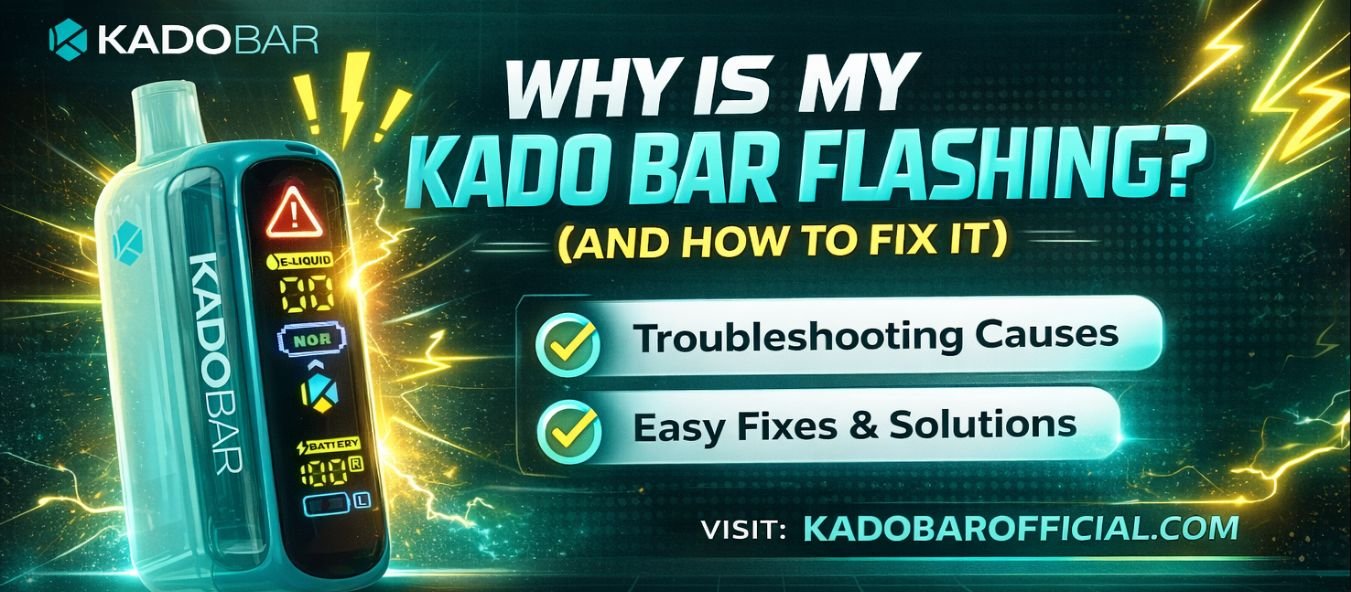

If you’re enjoying your Kado Bar Vape and suddenly notice it flashing at you like a tiny disco light, don’t panic. A flashing Kado Bar is actually its way of communicating. Think of it as your device tapping you on the shoulder, saying, “Hey, something needs attention.”
Whether you’re a daily vaper or just picked up your first Kado Bar Vape, understanding what those blinking lights mean can save you time, frustration, and money. In this guide, we’ll break down why your Kado Bar is flashing, what each signal usually means, and—most importantly—how to fix it quickly so you can get back to enjoying your favorite Kado Bar flavors.
Understanding the Flashing Light on a Kado Bar Vape
Most disposable vapes, including Kado Bar, use LED lights to show device status. Since there’s no screen or app, flashing lights are the only way the vape can tell you what’s going on inside.
A flashing vape usually indicates one of these common issues:
The good news? Many of these problems are easy to fix—or at least easy to identify.
1. Low Battery: The Most Common Reason
If your Kado Bar Vape is flashing after you take a puff (or refuses to hit at all), the battery is likely running low or completely dead.
Even though Kado Bars are disposables, many models are rechargeable. Once the battery drains, the device flashes to let you know it needs power.
Tip: Avoid using fast chargers or high-watt phone chargers. They can damage the battery and shorten the life of your Kado Bar Vape.
2. Overheating Protection Kicked In
Chain vaping—taking puff after puff without a break—can cause your Kado Bar to heat up. When this happens, the device may flash and temporarily stop working to protect the internal components.
Once the device cools down, the flashing usually stops, and your Vape works normally again.
3. Short Circuit or Connection Issue
A short circuit can happen if e-liquid leaks inside the device or if there’s a manufacturing flaw. Flashing lights—especially rapid blinking—often signal this issue.
Unfortunately, with disposable vapes, there’s no real repair option.
Try this first:
If it keeps flashing, the device is likely faulty.
4. Puff Limit Reached (Yes, It Happens)
Every Vape is designed for a specific number of puffs. Once you hit that limit, the device may flash and stop producing vapor—even if there’s some battery left.
This is more common than people realize, especially with high-puff disposables.
There’s no fix here—this is the end of the device’s life cycle.
The solution?
Time to grab a new Kado Bar and explore fresh Kado Bar flavors.
5. Airflow Blockage or Auto-Draw Issue
This vape uses an auto-draw system, meaning it activates when you inhale. If airflow is blocked by condensation, debris, or thick e-liquid, the device may flash instead of firing.
This simple step solves the issue surprisingly often.
What the Flashing Patterns Usually Mean
While patterns can vary slightly by model, here’s a general guide:
If your Kado Bar Vape flashes immediately when you try to use it, it’s usually a battery or internal issue.
How to Prevent Your Kado Bar From Flashing Again
A little care goes a long way. Here’s how to extend the life of your device:
These habits help you enjoy your Kado Bar flavors without annoying interruptions.
When to Replace Your Kado Bar Vape
If you’ve tried charging, cooling, and cleaning—and your Kado Bar still flashes—it’s probably time for a replacement. Disposable vapes aren’t built to be repaired, and pushing a faulty device isn’t worth the hassle. If you’re searching for a replacement, simply look up “Kado Bar vape near me” to find local vape shops or trusted online retailers carrying the latest models and flavors.
Choosing the Right Kado Bar Flavors Next Time
One upside of replacing your device? You get to try something new.
Kado Bar is known for its bold, smooth flavors—from icy fruit blends to dessert-inspired profiles. Many users report better performance and fewer issues when using authentic devices purchased from reputable sellers. So when searching Kado Bar vape near me, make sure you’re buying genuine products to avoid flashing issues caused by counterfeits.
Final Thoughts: Flashing Isn’t the End—It’s a Signal
A flashing Kado Bar Vape can be annoying, but it’s rarely a mystery once you know what to look for. In most cases, it’s a simple battery warning, overheating alert, or sign that your vape has reached the end of its journey. By understanding these signals and taking proper care of your device, you’ll enjoy smoother sessions, better flavor, and fewer interruptions.
If your current device is done, now’s the perfect time to explore new Kado Bar flavors or find a trusted Kado Bar vape near me. Check out authorized retailers, try a flavor you’ve never had before, and keep your vaping experience smooth, flavorful, and stress-free.
Seeing your Kado Bar vape blink when you take a puff can be confusing. In most cases, the flashing light is the device’s way of

A Kado Bar vape that suddenly stops producing vapor can be frustrating, especially when the device looks like it still has battery or e-liquid remaining.
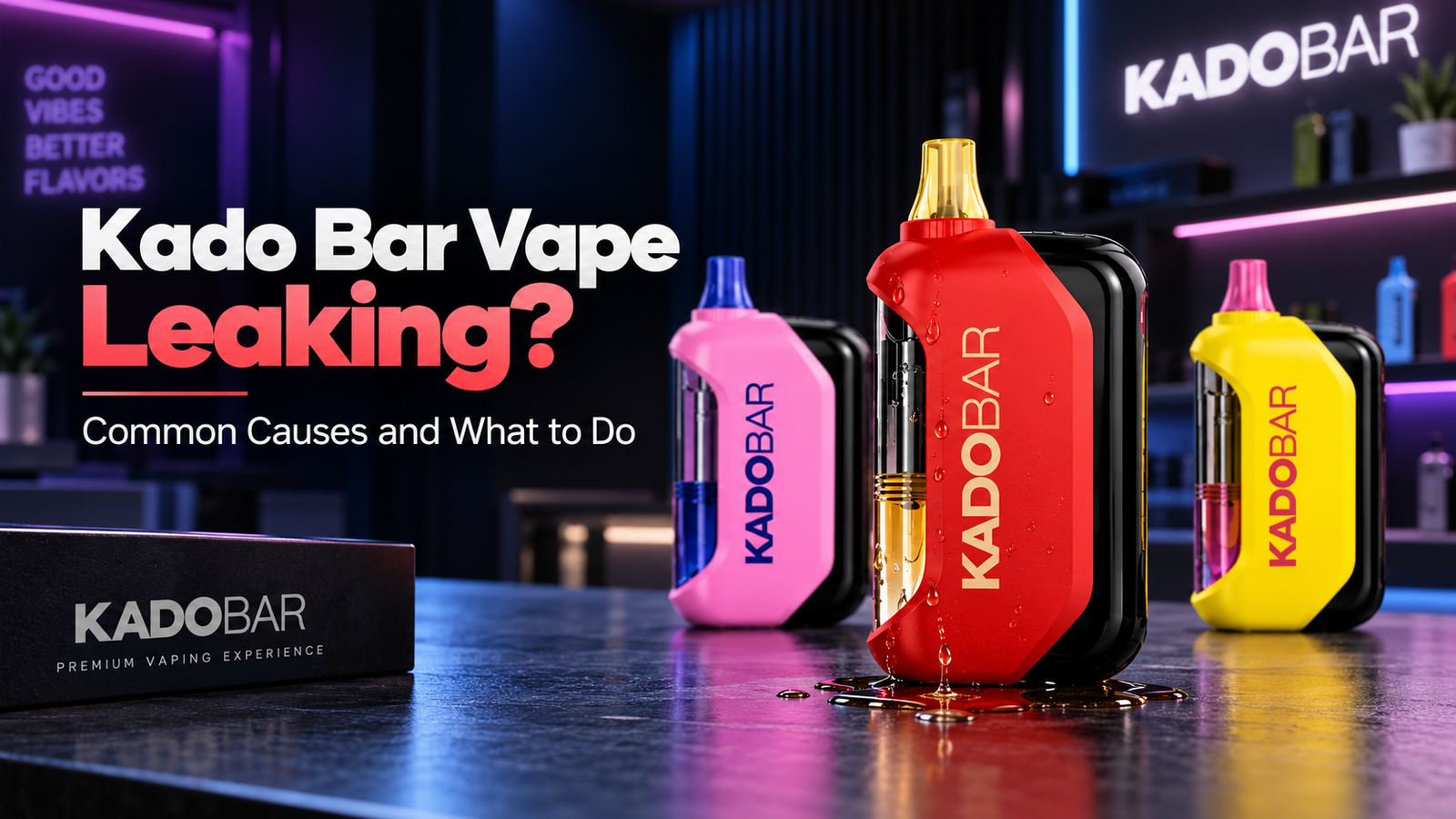
A leaking vape can be frustrating, especially when you notice e-liquid around the mouthpiece, airflow openings, or bottom of your device. While a small amount
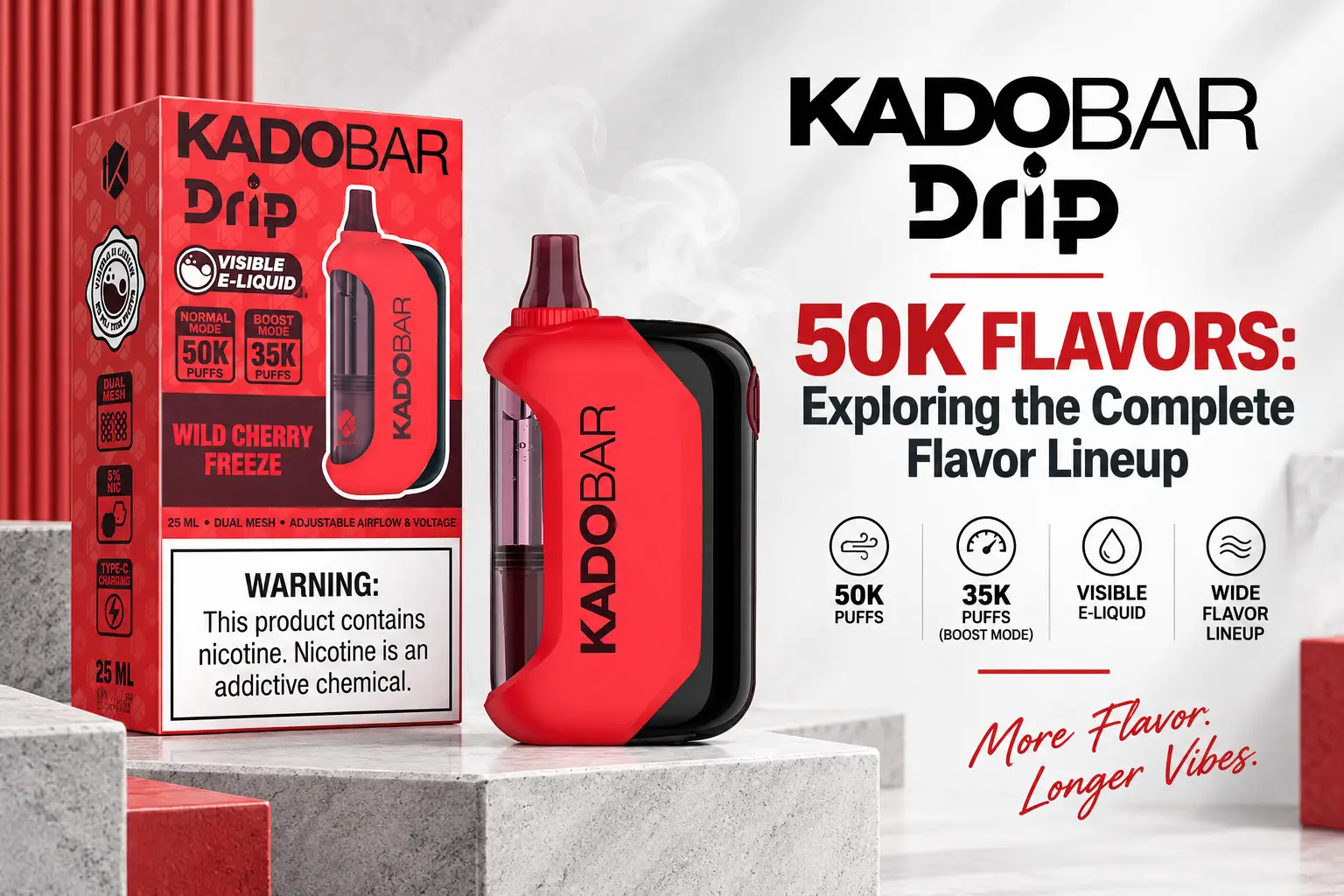
The Kado Bar Drip 50K is available in a wide range of flavor profiles, from sweet jam-inspired blends and fruity combinations to sour candy and
Buying a new vape often comes with one practical question: How long will it actually last? Puff counts can give you a useful starting point,